

Forget passwords: ExpressVPN now lets you sign in with your face or fingerprint
 (Image credit: ExpressVPN)
- ExpressVPN has launched passkey sign-in for passwordless logins
- Passkeys are more resistant to phishing, but passwords remain a backup
- The feature arrives as part of a redesigned ExpressVPN+ dashboard
One of the best VPN providers is retiring the password, at least as a requirement.
ExpressVPN has added passkey sign-in, giving users a way to get into their account without typing anything at all.
Instead of a password, you sign in using the screen lock already on your device, such as a fingerprint or face scan. That means nothing extra to remember and nothing to key in each time.
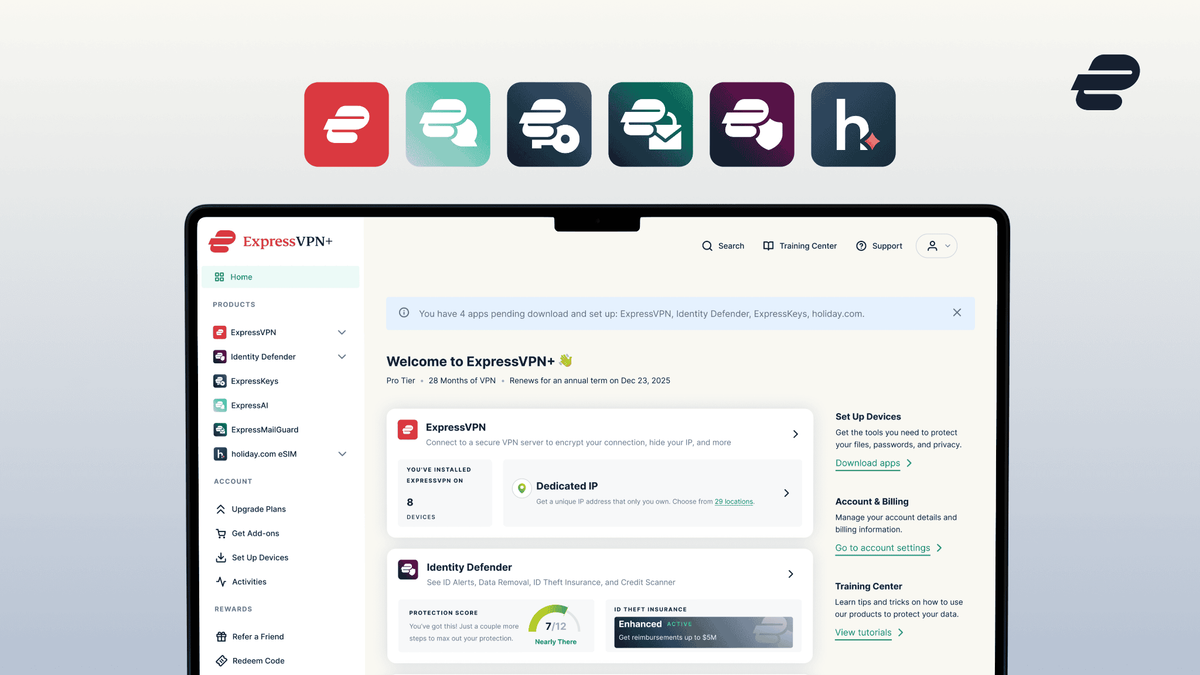
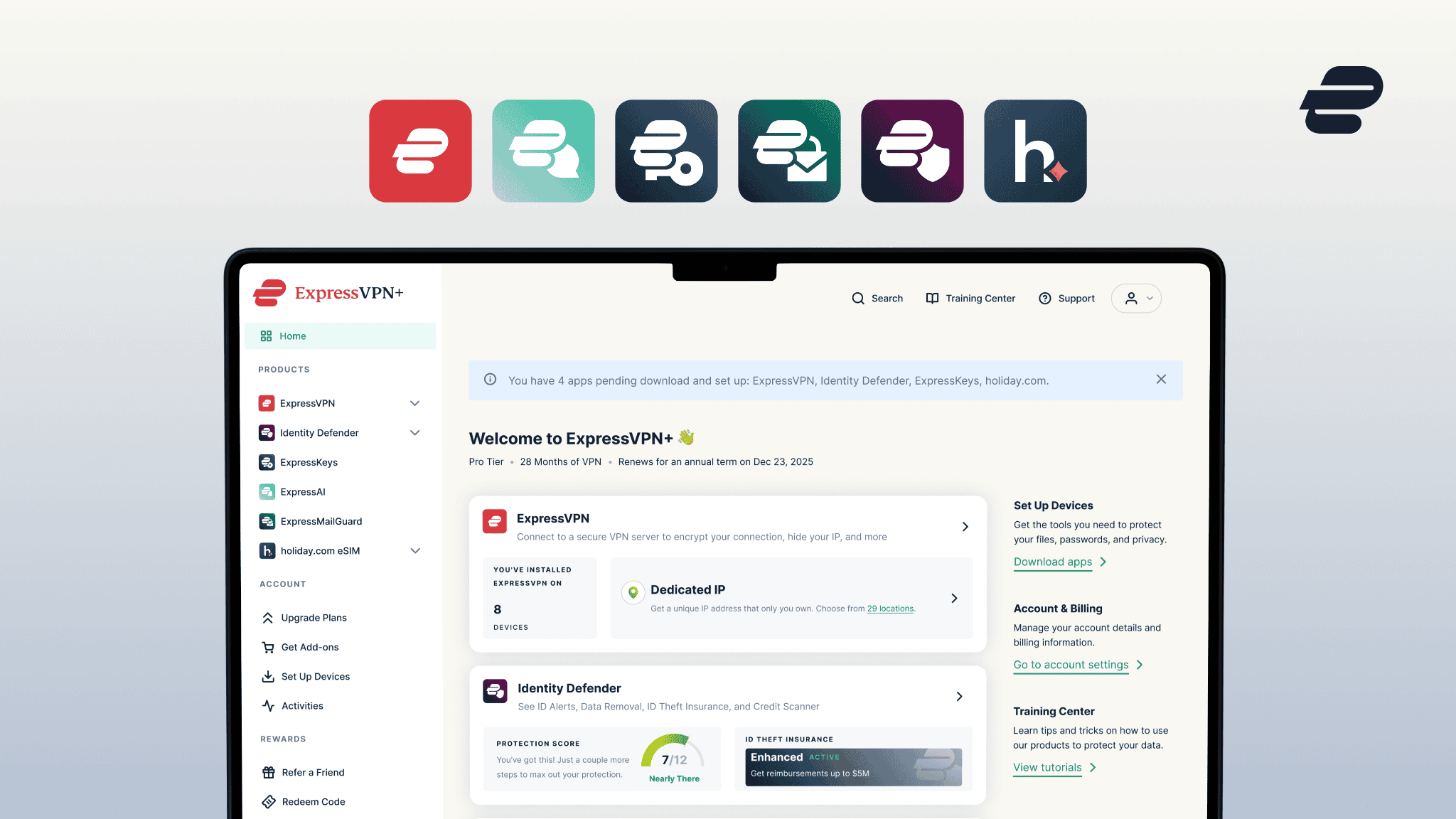
The change was announced on Tuesday (July 21) and is part of a wider redesign of the ExpressVPN+ dashboard, which the company is turning into a single home for your entire subscription.
What is new in ExpressVPN+
ExpressVPN+ now supports passkeys, so you can reach your account without entering a password. The company notes this can make life easier when you are setting the VPN up on a new device.
The redesigned dashboard sits behind that login. Rather than hopping between separate apps and account pages, you get one view of what is protecting you, which products you have set up, and anything that needs attention.
Depending on your ExpressVPN plans and regions, ExpressVPN says it can pull in insights from tools like ExpressKeys and Identity Defender, and you can also buy and manage holiday.com travel eSIMs from the same place.
How passkeys work, and why they are safer
A passkey swaps your password for a pair of cryptographic keys. The public key lives on the service's server while the private key stays locked on your device, and no shared secret ever travels across the network for an attacker to intercept.
That design is what makes passkeys resistant to phishing: there is no password to trick you out of, and the credential only works on the genuine ExpressVPN sign-in page.
It is an approach Apple, Google, and Microsoft have all backed, and one ExpressVPN has already brought to its ExpressKeys password manager.
To enable one, sign in to your ExpressVPN account, select your profile in the top-right corner, choose Account & Billing, and follow the prompts to add a passkey.
If you use ExpressKeys, you can save the passkey there alongside your other logins. And if you would rather stick with what you know, your password will keep working as another way in.
Follow TechRadar on Google News and add us as a preferred source to get our expert news, reviews, and opinion in your feeds. Make sure to click the Follow button!
Monica is a tech journalist with over a decade of experience. She writes about the latest developments in computing, which means anything from computer chips made out of paper to cutting-edge desktop processors.
GPUs are her main area of interest, and nothing thrills her quite like that time every couple of years when new graphics cards hit the market.
She built her first PC nearly 20 years ago, and dozens of builds later, she’s always planning out her next build (or helping her friends with theirs). During her career, Monica has written for many tech-centric outlets, including Digital Trends, SlashGear, WePC, and Tom’s Hardware.
What's Your Reaction?
 Like
0
Like
0
 Dislike
0
Dislike
0
 Love
0
Love
0
 Funny
0
Funny
0
 Wow
0
Wow
0
 Sad
0
Sad
0
 Angry
0
Angry
0









Comments (0)