

Google sparks privacy outrage with new Android phone number default
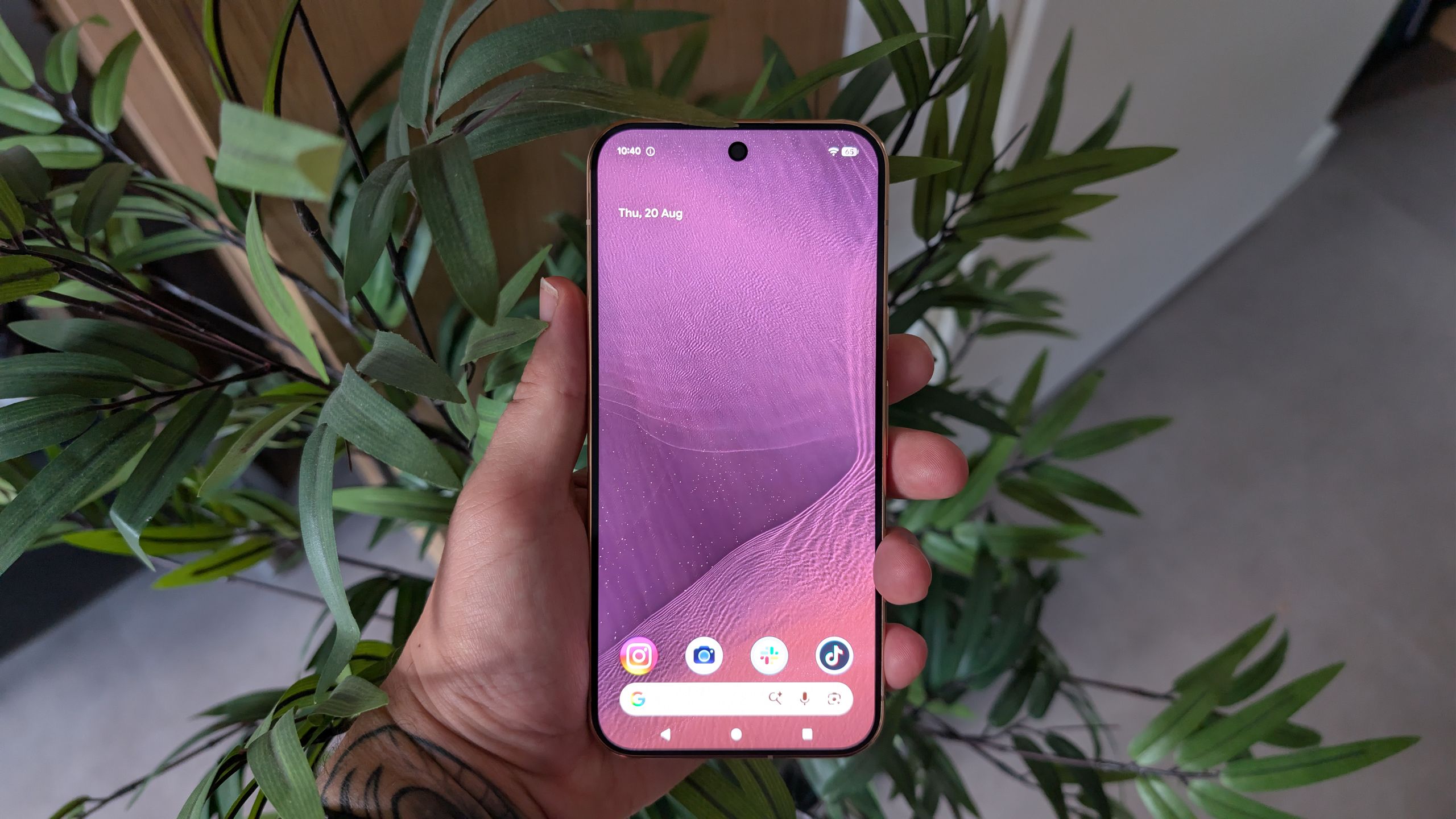
 The Google Pixel 11 Pro XL
(Image credit: TechRadar Benelux)
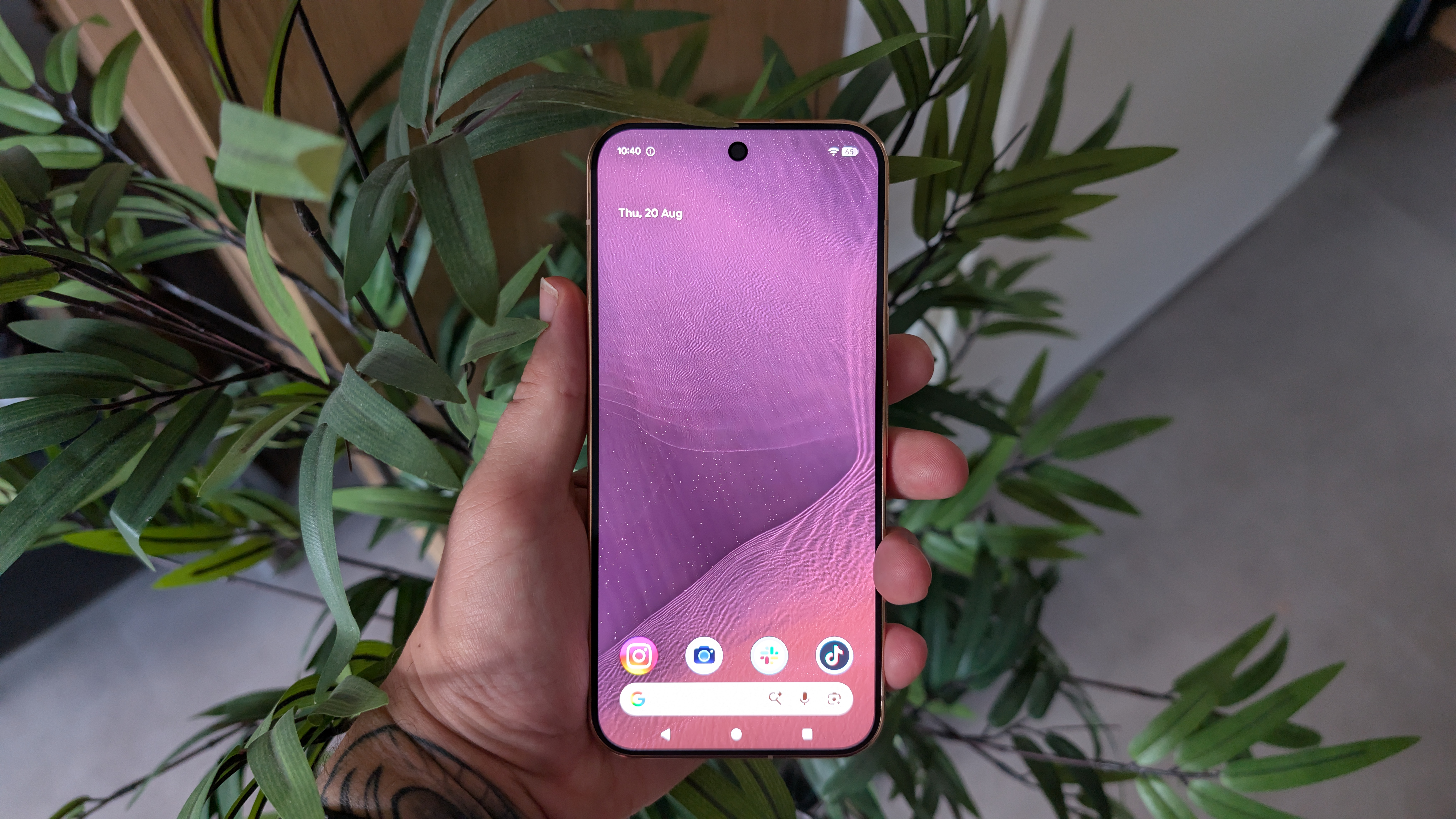
The Google Pixel 11 Pro XL
(Image credit: TechRadar Benelux)
- Android devices have started automatically linking your phone number to all signed-in Google accounts
- This is a privacy issue for anyone with multiple accounts who doesn't want their phone number linked to secondary ones
- You can toggle this feature off, but some users claim it reverts back anyway
Google has never exactly been a bastion of privacy, but its reputation has just taken another hit with a controversial new Android default — it's just started automatically linking your phone number(s) to all signed-in Google accounts on your Android device.
As spotted by Reddit user Nanosinx, Google Play Services has started automatically verifying your phone number and linking it across your signed in Google accounts — so if you have secondary accounts on your Android phone, perhaps for work or throwaway ones, these may now have your number linked to them.
As a phone number is quite private and potentially sensitive information, this isn’t ideal — and should obviously be an opt-in feature, as it always used to be.
It does seem that users are at least getting emails from Google alerting them to this change, so if you haven’t received any emails, your number(s) might not have been linked — at least not yet. But it’s still probably worth checking if that's important to you.
Shut it down
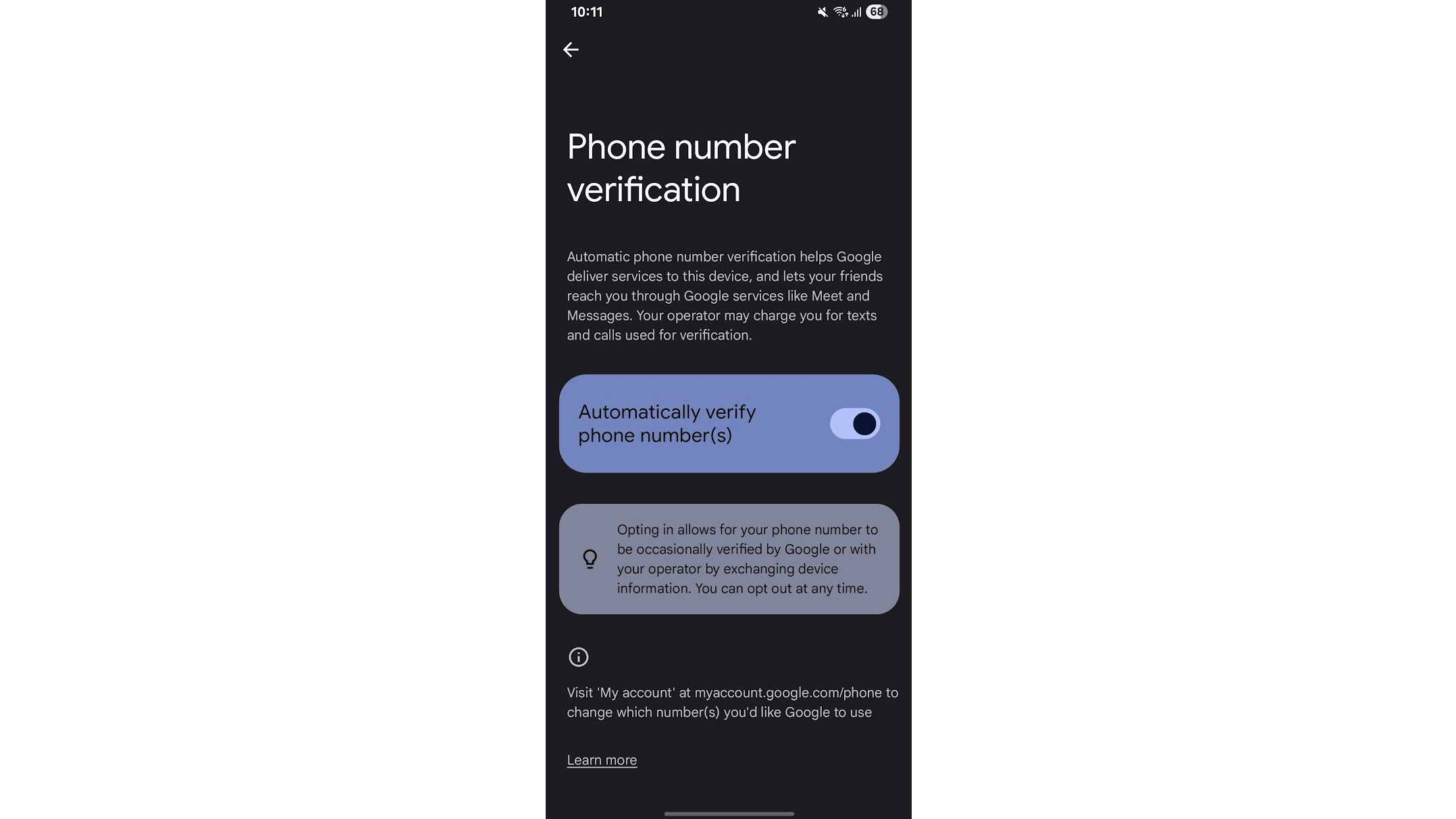
To check if the feature is enabled — and disable it if you don’t want it to be — head to Settings > Google (or Google services and preferences) > All services > Phone number verification. If this screen has a ‘Verify phone numbers automatically’ toggle enabled, then this is happening to your accounts — so disable that to turn off this ‘feature.’
But that won’t remove your phone number from accounts that it has already been linked to. For that, head to your Google account personal info page, then go to Contact info (or Personal info) > Phone, and remove the number from any account you don’t want it linked to.
Remarkably, some users are reporting that the same issue occurs even on the privacy-focused GrapheneOS, though possibly only if you’ve installed Google Play Services. And some users also report the auto verification toggle turning itself back on, so the above may only prove a temporary fix.
Sign up for breaking news, reviews, opinion, top tech deals, and more.
Understandably, Android users aren’t happy about any of this, with comments on Reddit including the likes of “I’m so sick of this,” “this feature is absolutely dumb,” and “scummy practices yet again by a mega corp.”
So this isn’t a popular change, but whether Google will care enough to switch it back to an opt-in rather than opt-out process remains to be seen.

Follow TechRadar on Google News and add us as a preferred source to get our expert news, reviews, and opinion in your feeds. Make sure to click the Follow button!
And of course you can also follow TechRadar on TikTok for news, reviews, unboxings in video form, and get regular updates from us on WhatsApp too.
James is a freelance phones, tablets and wearables writer and sub-editor at TechRadar. He has a love for everything ‘smart’, from watches to lights, and can often be found arguing with AI assistants or drowning in the latest apps. James also contributes to 3G.co.uk, 4G.co.uk and 5G.co.uk and has written for T3, Digital Camera World, Clarity Media and others, with work on the web, in print and on TV.
What's Your Reaction?
 Like
0
Like
0
 Dislike
0
Dislike
0
 Love
0
Love
0
 Funny
0
Funny
0
 Wow
0
Wow
0
 Sad
0
Sad
0
 Angry
0
Angry
0










Comments (0)