

Polling rates explained: do you really need 8,000Hz for keyboards and mice in 2026?
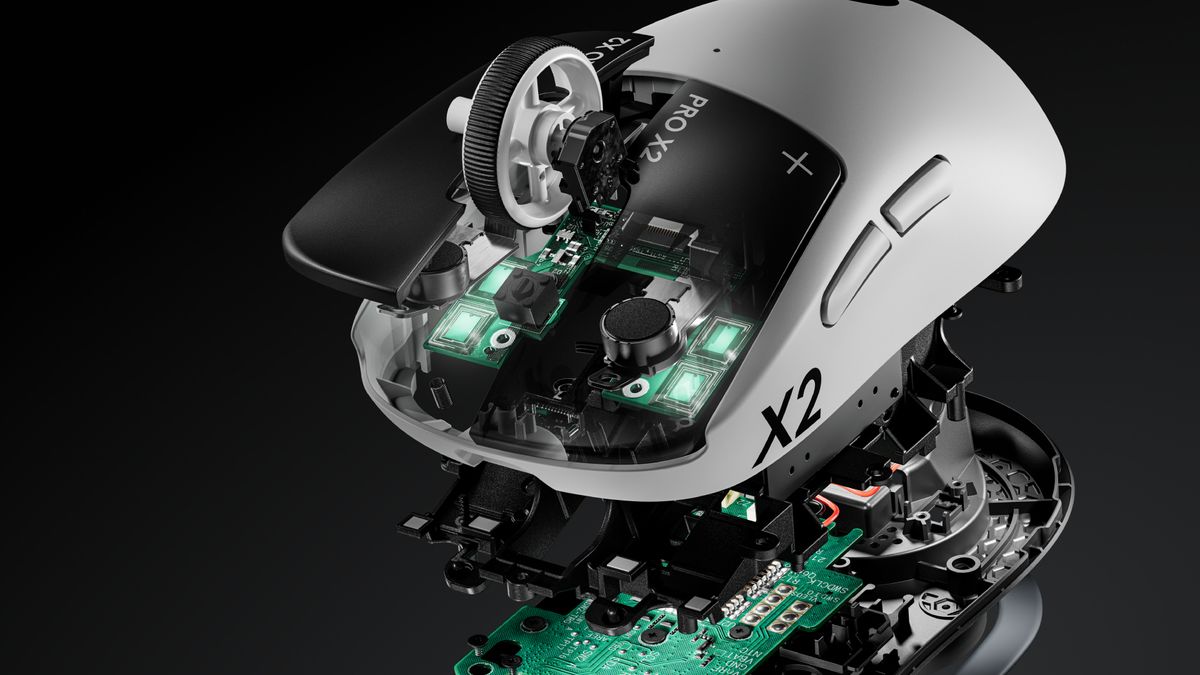
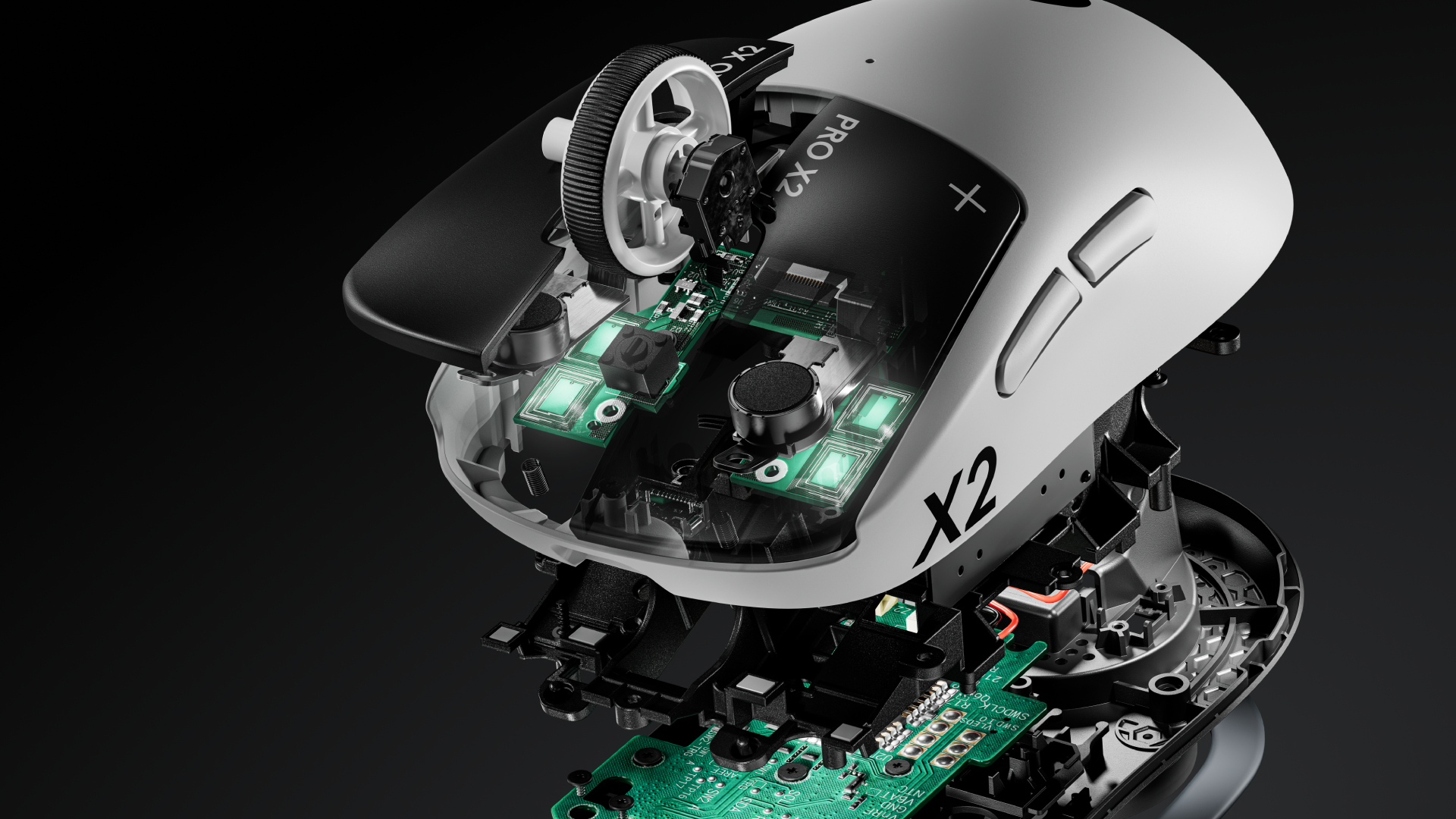 (Image credit: Logitech)
Simply put, polling rate is the frequency at which data is sent between your mouse and keyboard to your computer. For many years, the standard polling rate of most gaming mice and keyboards was 1,000Hz, and that's still a setting that's available by default.
However, with the rise of competitive shooters, particularly tactical ones such as CS2, VALORANT, and Rainbow Six Siege, the pro scene needed a shift, and we saw the advancement towards 4,000Hz and 8,000Hz for "esports tech".
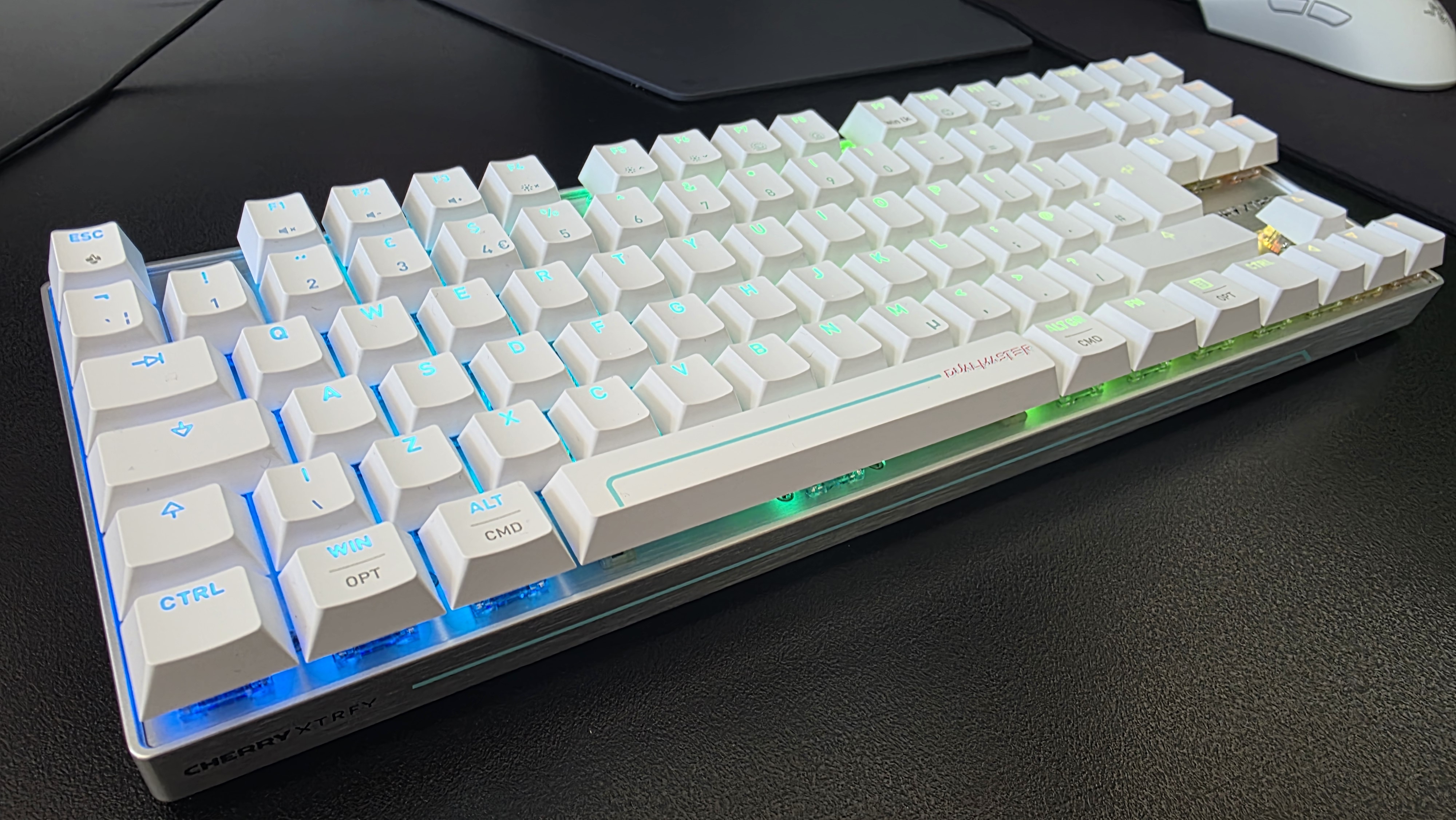
The best gaming keyboards and the best gaming mice are marketed for their 8K or 8,000Hz polling rates, particularly in models aimed at esports pro players. If you look at the current gear in circulation, it's easy to see how it's caught on: the Razer Viper V4 Pro, and the Logitech G Pro X2 Superstrike are recent examples of pointers, and the Razer Huntsman V3 Pro Tenkeyless, Corsair Vanguard Pro 96, and Cherry XTRFY K63W Pro Compact Ultra-Wideband for decks that tout this feature.
But does anyone really need an 8,000Hz polling rate when gaming? Do the best FPS players in the world even take advantage of it? I'm going through everything you need to know about how 8K works, the latency you can expect, impact on battery life, and all other things you need to consider when properly getting your setup ready for success.
How does polling rate affect latency?
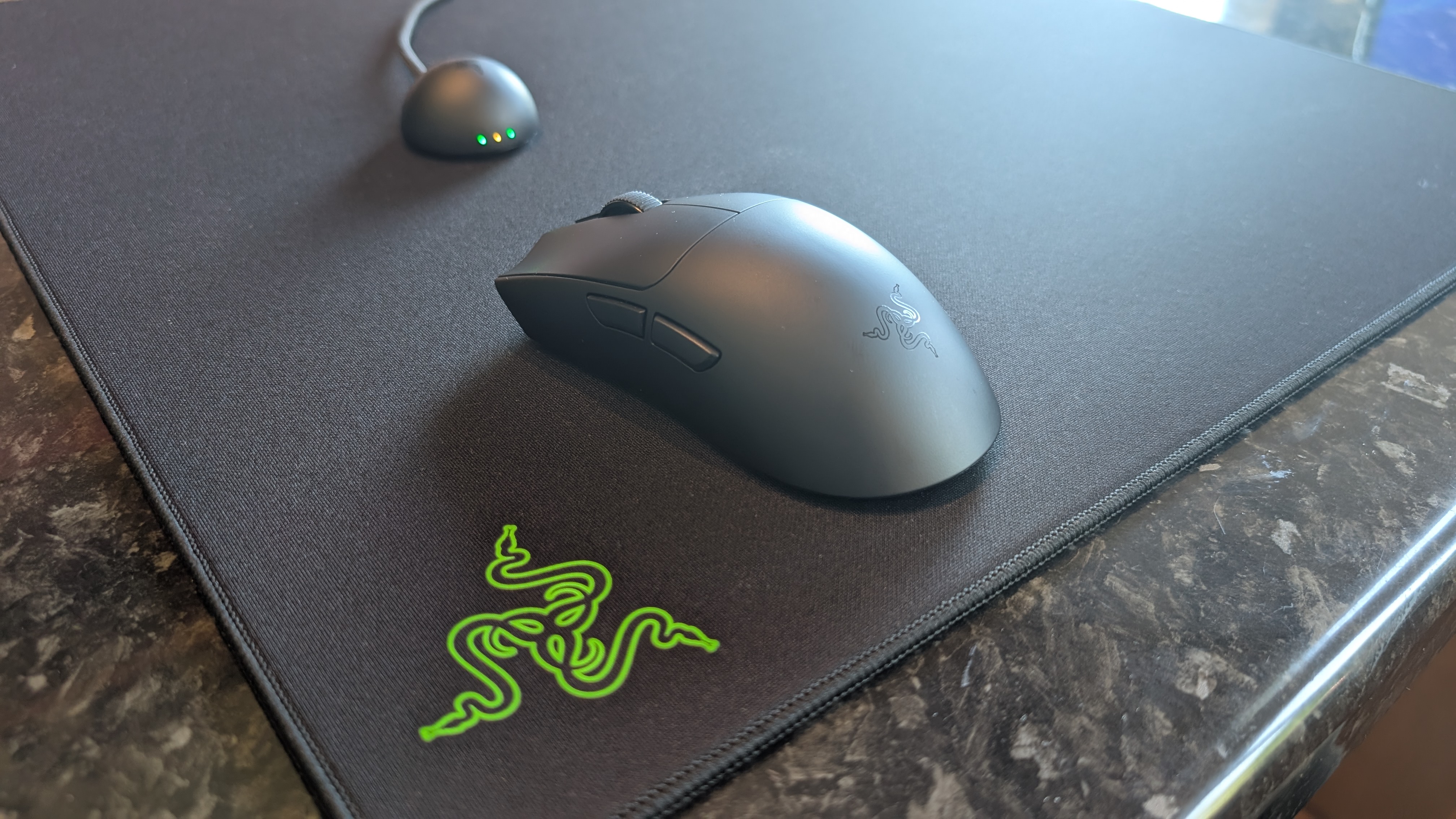
True to its namesake, an 8K polling rate will report its position to your PC a total of 8,000 times, instead of 4,000 times or a thousand times as with 4,000Hz and 1,000Hz, respectively. An 8,000Hz polling rate responds with far lower latency than either of these two previous standards; specifically, updates are sent between a mouse or a keyboard to your computer's processor every 0.125ms, eliminating a theoretical maximum of 0.875 ms input delay, meaning a smoother cursor or movement.
The difference in response time of 0.125ms (8K), 0.25ms (4K), and 1ms (1K) can be huge when it comes to polling rate, provided you have the right hardware to properly take advantage of this. That's because an 8,000Hz polling rate can be incredibly demanding on the battery life of wireless mice and keyboards, and it's one of the main considerations as to why you may want to drop the response time down in your settings.
The drawbacks of an 8,000Hz polling rate
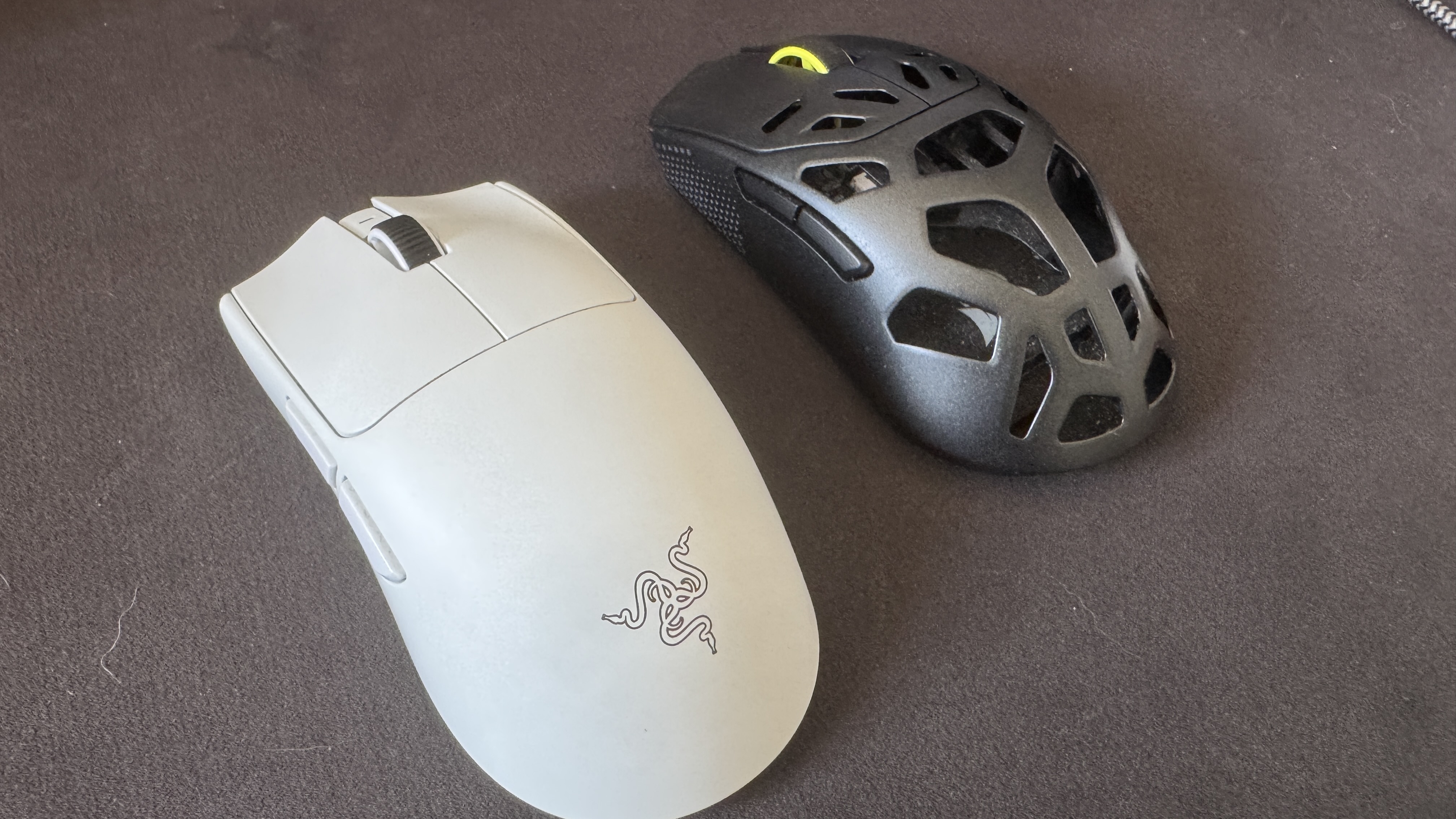
In brief, an 8,000Hz polling rate for your mouse and keyboard can be incredibly demanding on your computer. That includes heavy strain on even the best processors, the aforementioned heavily reduced battery life on a mouse and keyboard, and even the potential risk of micro-stuttering. As a lifelong PC gamer and a competitive shooter enthusiast who is hopelessly obsessed with VALORANT, I've seen the battery life debate happen in real-time.
Sign up for breaking news, reviews, opinion, top tech deals, and more.
I've tested and reviewed hundreds of mice and keyboards throughout my career, and one of the biggest points of contention when it comes to enabling the polling rate comes down to battery life. As an example, my favorite gaming mouse of all time is the Corsair Sabre V2 MG, an 8K-enabled gaming mouse that's built with a Magnesium Alloy frame. It weighs just 56g and features excellent skates, making it ideal for a precision heavy shooter.
As standard, via the Corsair Web Hub, this gaming mouse will run out of the box at 1,000Hz (1K), with battery life prioritized. With the pointer used as the stock, you can expect around 100 to 120 hours of play between charges. In my experience, I am charging this mouse every two weeks or so, depending on how much I'm working day-to-day, etc. However, in my many months with this mouse, I've noticed that things fall off incredibly hard with 8K enabled; my battery life tends to last only around two to three days (or one or two nights of VALORANT Competitive) before I'm reaching for the USB-C lead.
If we take 18 hours as the average battery life from the Corsair Sabre V2 MG when used in 8K mode, that's a reduction of around 85%, which is staggering. We can see a similar drop off from the most well-used new esports mice currently on the market, with the Razer Viper V4 Pro (an excellent mouse), touting up to 180 hours of playback in 1K but only 45 hours when maxed out at 8K. Similarly, while the Logitech G Pro X2 Superstrike has around a 90-hour playback at 1K, that drops down dramatically to between 20 and 35 hours at 8K. With Logitech's pointer, though, you have to factor in the strength of the haptics here, hence the rough range rather than a more exact figure.
What about the human limitations of an 8,000Hz polling rate?
Now that we've covered what an 8,000Hz polling rate is, how it works, how it compares against 1K and 4K, and the technical drawbacks, we now need to go over the human limitations with 8K. As previously mentioned, 1K means a 1ms response time, and that gets cut down to just 0.125ms with 8K, but what does that mean for a human being, and not a machine?
The average human response time is around 250-280ms; that's the time it takes to see something and physically react. I am not a pro player, but I do play video games at a high level, with a response time average of around 175ms, though I've been faster. The best esports players can eclipse this effortlessly: you only need to look as far as VALORANT and CS2 players, such as TenZ (widely considered to be among the best VALORANT players), with an average reaction time of 135ms. 100ms is even possible, even though the average tends to hover around the 150ms mark.
If we take 1K as a baseline for polling rate, that means there's an average of 150 reports between the mouse/keyboard and the processor, as you tap a key or click what you see. Taking 8K, then, sees 1,200 instances. With this information in mind, is there really much of an advantage here, even at this granular level, with the best players in the world and, conversely, the only people who would even notice a proper difference between 1K, 4K, and 8K?
Do pro players use 8,000Hz polling rates?
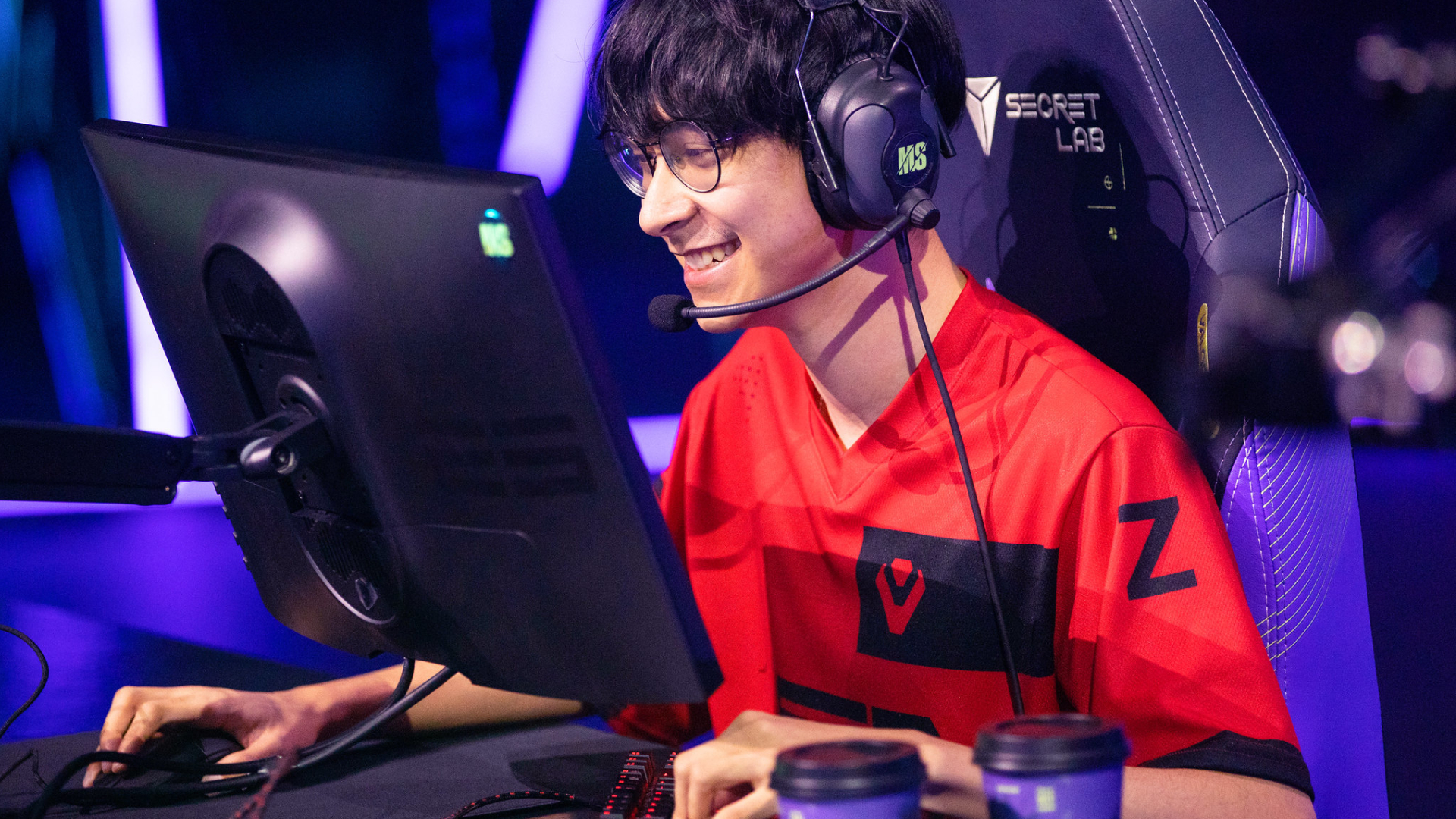
Considering the far lower latency, you would expect that professional esports gamers would all dial their settings to an 8,000Hz polling rate by default when playing demanding games, but that's simply not the case. If we look back at TenZ's mouse and keyboard settings when playing VALORANT, he last used the Pulsar TenZ Signature Edition mouse at 1,600 DPI, 0.24 sensitivity, and (most crucially) a 1,000Hz polling rate as standard; no 4K, and certainly no 8K enforced here.
What about a VALORANT player from the most aggressive team in the game? Then we must look at f0rsakeN from the legendary Paper Rex. He was last using the Pulsar Sustanto-X with an 800 DPI, a 0.71 sensitivity, and a 4,000Hz polling rate. Let's move away from Riot Games' shooter and instead turn our attention to Valve, then. As far as CS2 players go, few are as well-regarded in 2026 as Team Spirit's donk.
The young Russian is widely regarded as the best player in the world. Is he using an 8K polling rate for his mouse and keyboard to do this? No, while he previously used the industry standard Logitech G PRO X Superlight 2, he's now switched to a bespoke, and as of yet unreleased/prototype Zowie X Donk mouse at 800 DPI, 1.25 sensitivity, and a 1,000Hz polling rate. What about Niko? He recently had his own Razer collaboration drop, and currently uses a Razer Deathadder V4 Pro Niko Edition with an 800 DPI, 0.9 sensitivity, and a 2,000Hz polling rate.
Let's briefly look at two games for the sake of argument, and two of their respective top players. Peterbot is widely considered the best Fortnite player in the world, and he uses a Logitech G Pro X Superlight 2 at 800 DPI with a 1,000Hz polling rate. ImperialHal is among the best Apex Legends players, and the CEO (as he's known) currently uses a Finalmouse Starlight Pro with an 800 DPI, a 1.1 sensitivity, and a 1,000Hz polling rate. So, pro players simply are not using an 8,000Hz polling rate when playing, and they're simply better than the other 99.9% of players who play these games.
Is using an 8,000Hz polling rate worth it?
Based on everything I've gone through here, it becomes challenging to wholesale recommend (or actively condemn) 8K. An 8,000Hz polling rate is mechanically and technically better for how it responds between the peripheral and the machine, even if the human who presses that key or clicks the mouse ends up being the limiting factor, or bottleneck. It's the simple, undeniable truth that the saved milliseconds are (really) indistinguishable to basically everyone on the planet.
Then we get into the debate of battery life. Do you want your gaming mouse to last over 100 hours on a single charge, or just 10? That's a tough sell, considering it undercuts the primary reason to cut the cord in the first place. Then there's the massive CPU overload, game engine incompatibility (and developers and publishers are not yet gearing their software for the tech), and the variables of the hardware itself. Hardware makes the difference: TMR and Hall Effect switches and sensors will have far more of an impact than the simple reporting time between the processor and peripheral.
So why am I not fully discouraging you from using an 8,000Hz polling rate in its entirety? Because it ultimately comes down to personal preference, and to feel. If you're running one of the best gaming PCs or best gaming laptops with a high-end processor, a 4K graphics card, and a high refresh rate monitor, then, battery life aside, it doesn't really hurt to have everything cranked up and forgotten about. Are you likely to really notice it? No, but fractional optimization is still (ever so slightly) better than none in the first place.
I'm not quite cynical enough to claim that an 8,000Hz polling rate is just a marketing gimmick; however, I will say that hardware companies have gleefully exploited the ignorance of the end consumer, the simple reductionist view that a bigger number automatically means better, without looking into the nuances of the conversation. Now that's something you will be fully clued up on when considering your next keyboard or mouse.

Follow TechRadar on Google News and add us as a preferred source to get our expert news, reviews, and opinion in your feeds.
Formerly TechRadar Gaming's Hardware Editor, Aleksha McLoughlin is now a freelancer specializing in computing tech, gaming, and Ecommerce. She's the author of The Hardest Video Games Ever Made, the Editor-in-Chief of Kyusai, and is experienced in gaming/tech PR. As well as TechRadar, you can find her work on GamesRadar, PC Gamer, Dexerto, PC Guide, Esports Insider, Club386, Trusted Reviews, Play Magazine, The Escapist, and dozens of other outlets.
What's Your Reaction?
 Like
0
Like
0
 Dislike
0
Dislike
0
 Love
0
Love
0
 Funny
0
Funny
0
 Wow
0
Wow
0
 Sad
0
Sad
0
 Angry
0
Angry
0










Comments (0)