

I installed this brilliant peephole camera in 10 minutes, and it's a great subscription-free alternative to a video doorbell for renters and apartment-dwellers
 (Image credit: Future)
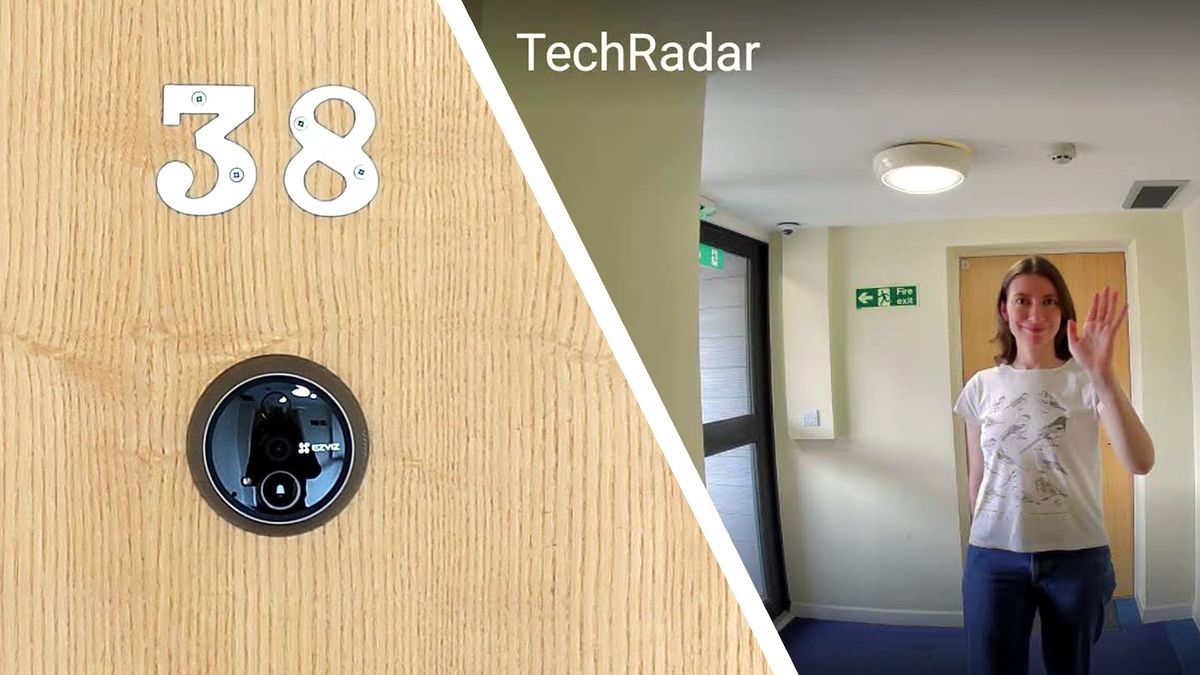
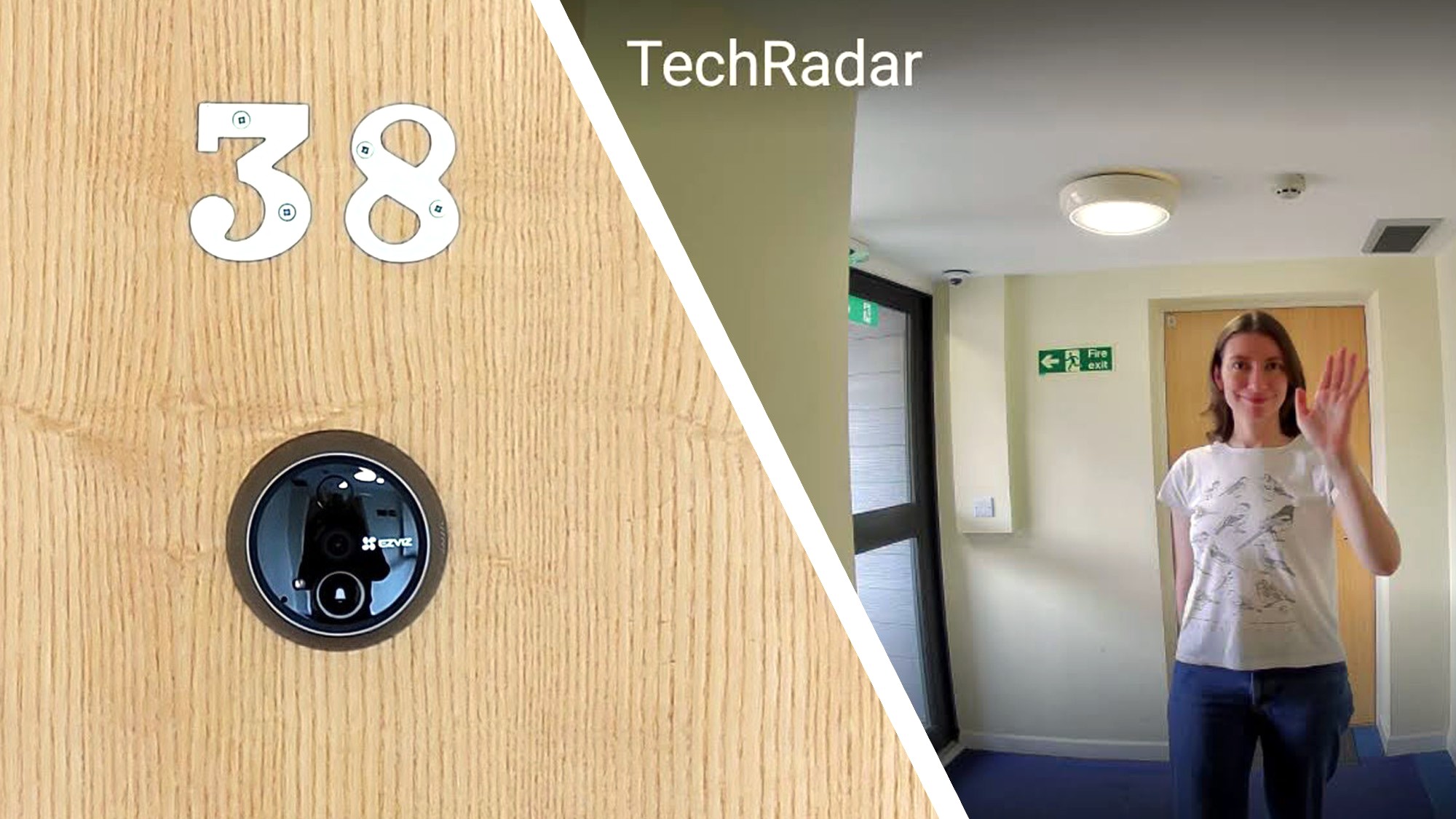
Fitting a video doorbell is an excellent way to boost your home security, but if you rent your home or live in an apartment, they're just not possible. That's where the catchily-named EZVIZ EP4 Wire-Free Peephole Door Viewer comes in. This little 4K camera fits in your front door's spyhole, and provides you with all the best features of a video doorbell without any drilling or damage.
Installing the EP4 is incredibly easy, and I managed to complete the whole process in around 10 minutes thanks to EZVIZ's handy video guide (the video shows an earlier model, the CP4, but the process is identical). The most time-consuming part was waiting for the EZVIZ app to download on my phone.
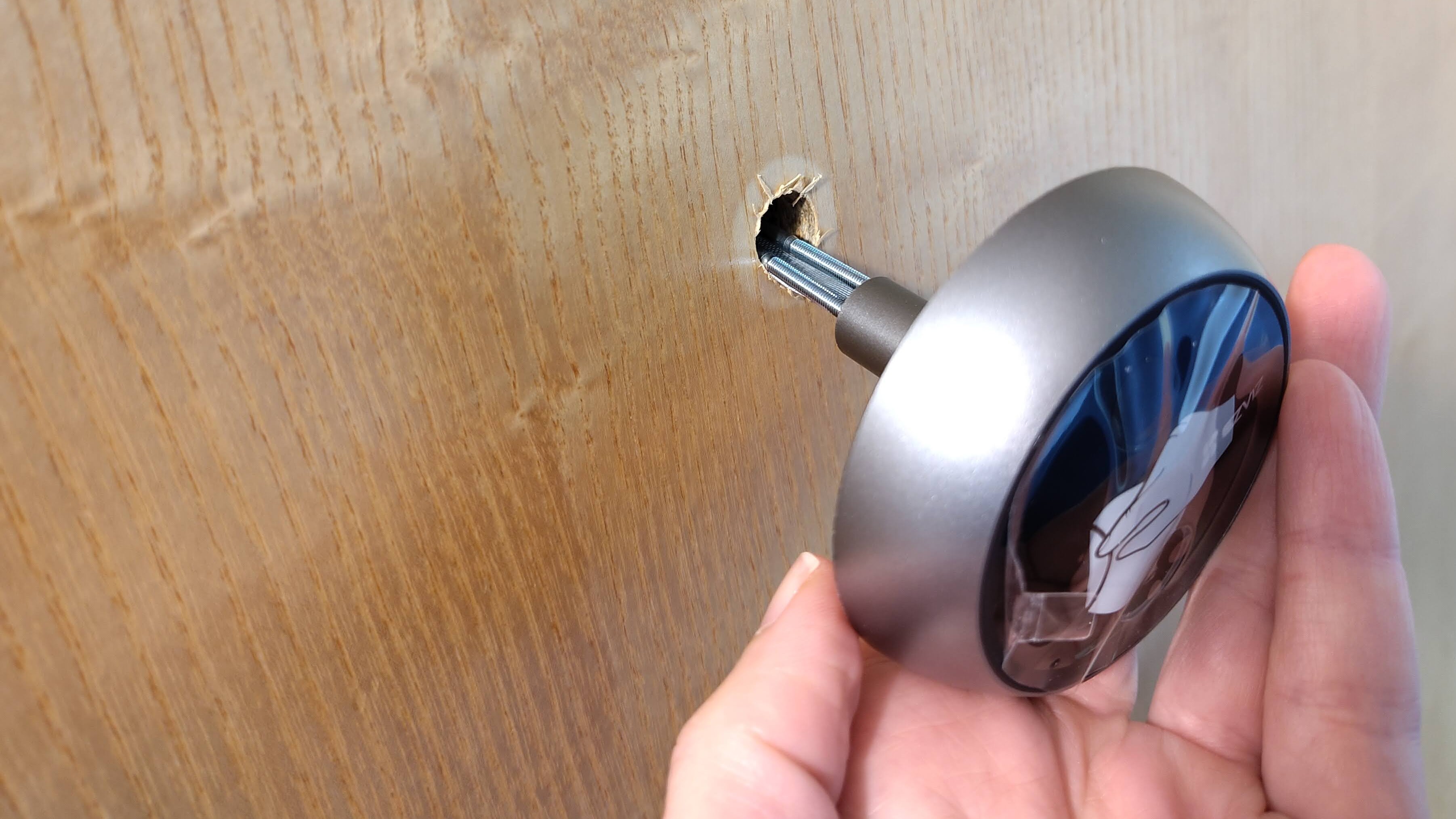
The peephole camera comes in two parts: the camera that fits on the outside of your door, and a 5.5-inch color screen that sits on the inside. There's also a set of six screws (don't worry, there's no drilling involved), a charging cable, and two small plastic plates that keep the camera's connector and charging port covered.
To get started, unscrew the peephole from your front door and put it somewhere safe. You might need to use a pair of pliers to get this started, but it seems mine was never installed very well to begin with, and it came away effortlessly.
Now measure the thickness of the door and select the right pair of screws (my door is relatively thin and required the shortest ones), screw them a little way into the back of the camera, and push them through the peephole, along with the data cable. You can wrap them in a rolled-up piece of paper to make this easier, but I found I didn't need to.
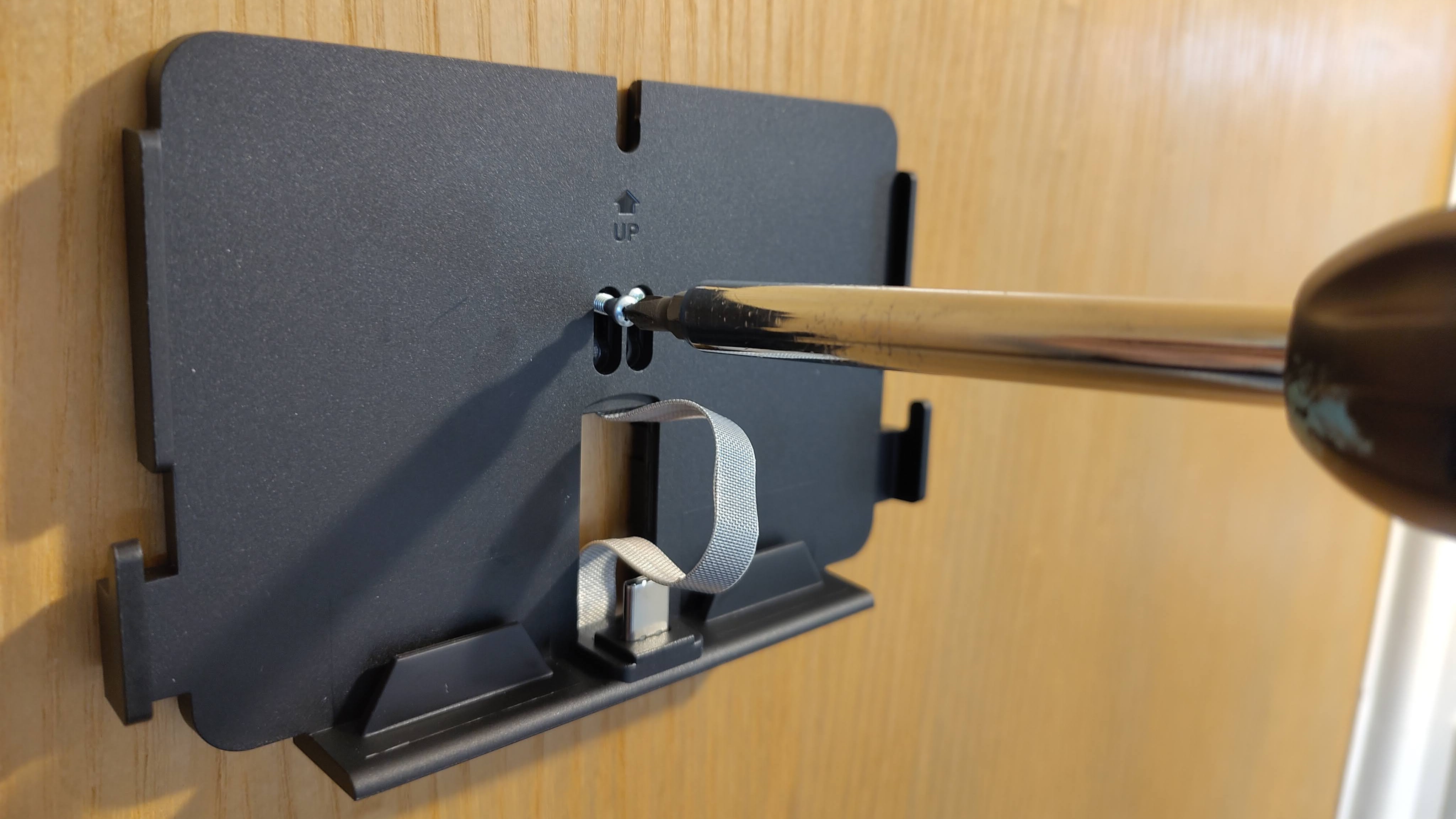
Take the mounting plate off the screen, slide it onto the screws, and tighten them up (making sure that the screen is level before turning them all the way). Then just push the data cable into the screen and cover it with a plastic plate, slide the screen into position, and press the power button for three seconds.
Select your language when prompted, pick your Wi-Fi network, and enter the password when prompted. Then just install the app, create an account, and scan the QR code that appears on the camera's screen to initiate pairing. This only takes a moment, and once it's connected, the camera is ready to use.
Sign up for breaking news, reviews, opinion, top tech deals, and more.
EZVIZ provides you with a seven-day free trial of its cloud storage service, which you can extend to 30 days by entering your payment details, but you can skip the fees by installing a microSD card (up to 512GB) instead. The app makes it easy to pick which type of storage you want to use.
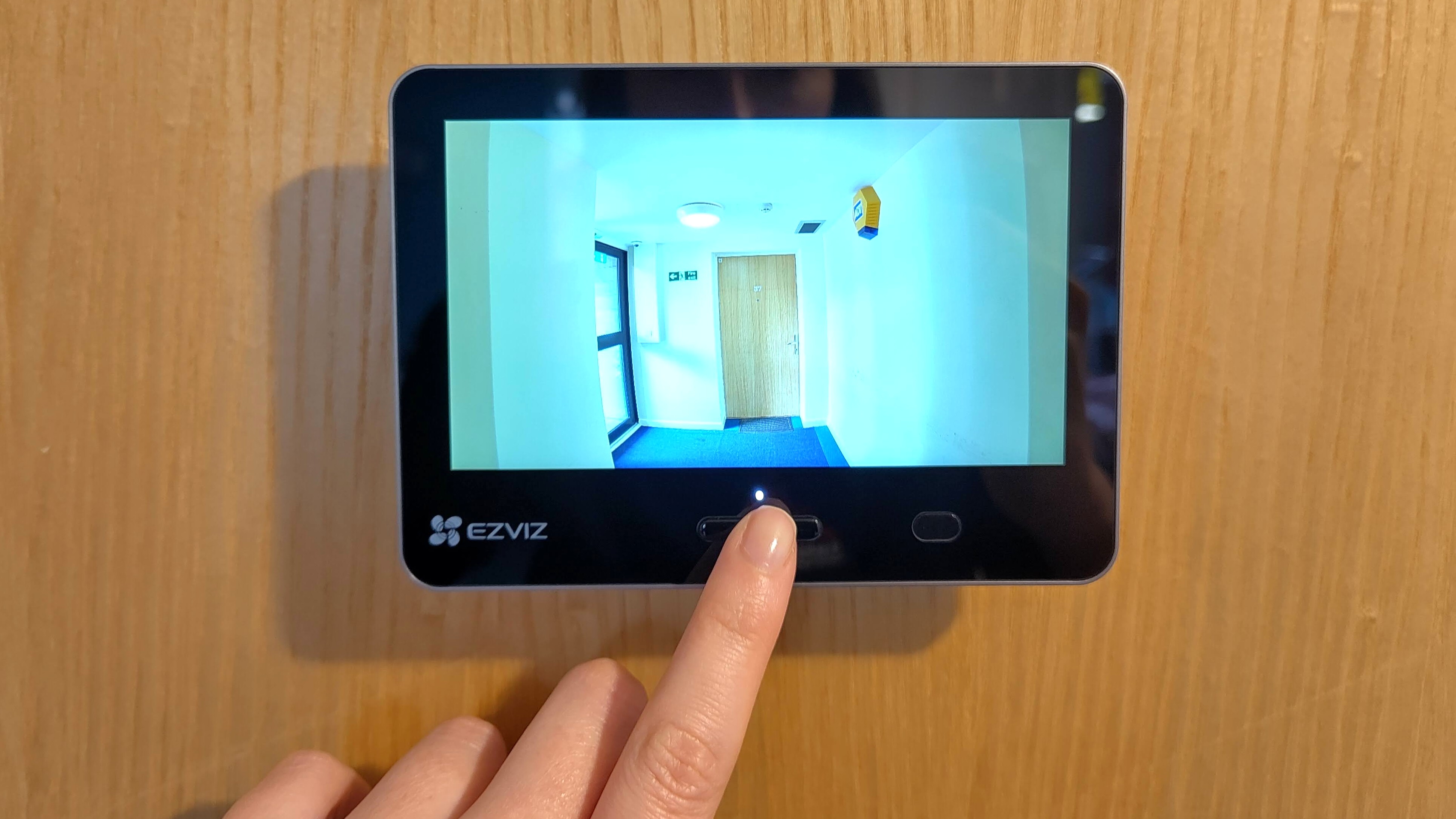
From the app you can see a live video feed from your camera, capture a still image, or start recording. The EP3 records in 10-second clips, which is ample time to identify the person at your door and see what they're up to.
The EP3 can also start recording automatically when it detects a person (sending an alert to your phone as well, if you like), and can identify specific individuals using a feature called 'Familiar Faces', which is currently in beta. Upload a picture of someone you know, and the camera will use on-board AI to alert you when they're at the door.
It's an interesting idea, and great if you often have friends over, but at the moment it only seems to be possible to switch alerts on when a Familiar Face is recognized. You can't ask the camera to ignore certain people, so if you've added yourself, you'll get alerts telling you that you're at the door. Hopefully that's something EZVIZ is working on.
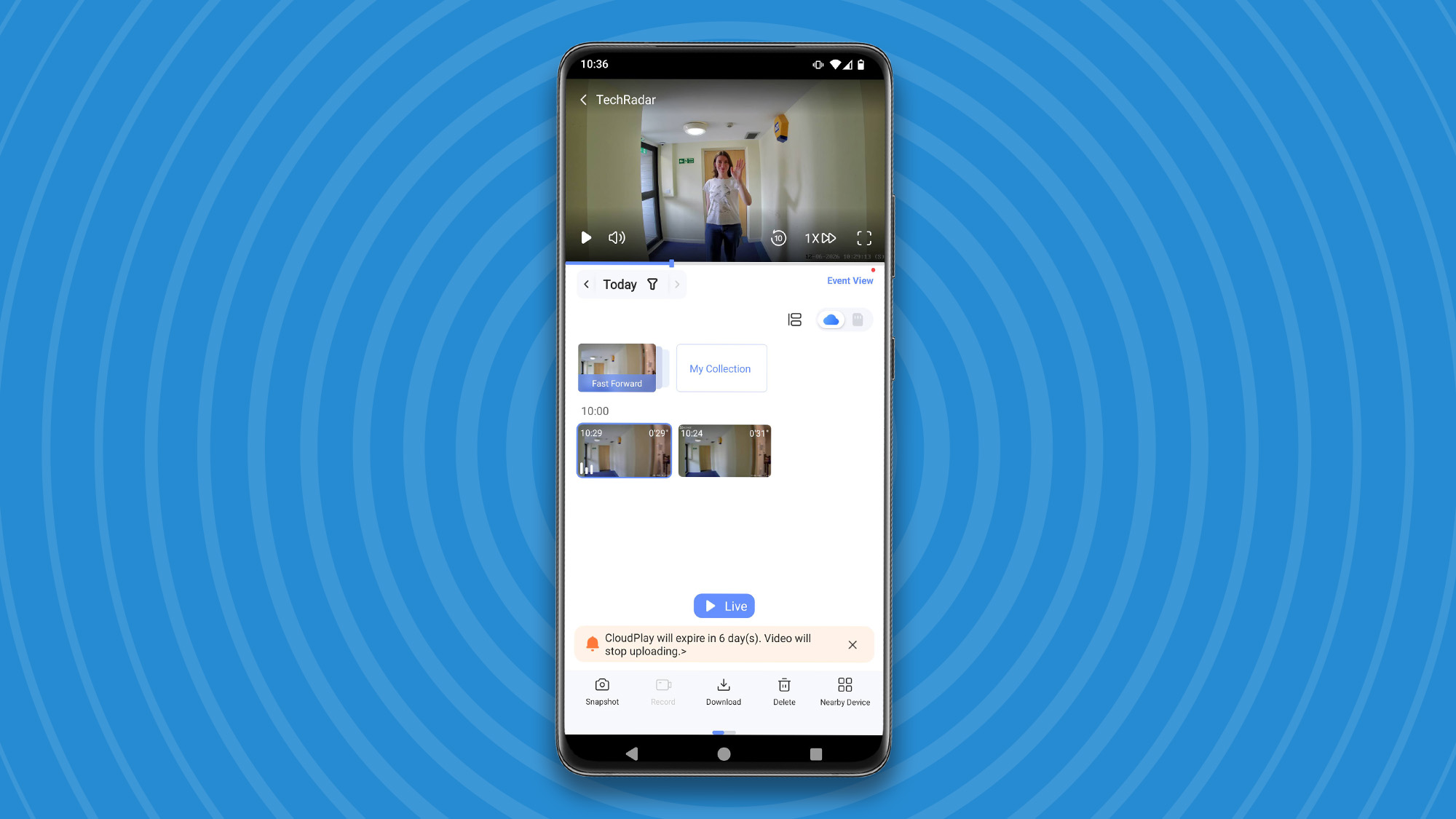
The EP4 also offers two-way talk, so you can use the mobile app speak with the person at the door — using your own voice, or a voice-changer if you want to stay anonymous. I noticed a delay of about five seconds on two-way-talk, which is better than some of the best video doorbells we've tested on TechRadar over the years.
I'll share a full review soon, but so far I'm very impressed by what I've seen of the EP4. It was incredibly easy to fit, and is an excellent option if you can't alter your door. Once EZVIZ has refined the facial recognition feature, I think it'll be onto a real winner.

Follow TechRadar on Google News and add us as a preferred source to get our expert news, reviews, and opinion in your feeds.
Cat is TechRadar's Homes Editor, covering smart home tech, kitchen appliances, vacuums, haircare and more. She's been a tech journalist for 15 years, having worked on print magazines including PC Plus and PC Format, and is a Speciality Coffee Association (SCA) certified barista. Whether you want to invest in some smart lights, find your ideal hair styler, or pick the espresso machine of your dreams, she's the right person to help.
What's Your Reaction?
 Like
0
Like
0
 Dislike
0
Dislike
0
 Love
0
Love
0
 Funny
0
Funny
0
 Wow
0
Wow
0
 Sad
0
Sad
0
 Angry
0
Angry
0



Comments (0)